Mousechitect — Build Tools, Morale, and Visual Population
Engine: Unity • Language: C# • Role: Gameplay / Systems Programmer • Focus: grid placement tools, path tools, object movement, destruction flow, morale scoring, and visual mouse population feedback
Overview
Mousechitect is a team city-builder prototype about constructing and managing a mouse settlement. My work focused on the player-facing editing tools and supporting city systems: placing buildings, drawing paths, moving placed objects, destroying objects cleanly, calculating morale, and syncing the visible mouse population to the city state.
The main challenge was making the tools feel readable and safe. Build actions needed previews, grid snapping, occupancy checks, surface validation, cancel/confirm behaviour, and clear feedback so the player could understand what the city editor would do before committing a change.
Technical Snapshot
- Grid-based object placement using shared snapping and occupied-cell tracking.
- Build tool flow for previews, rotation, validation, placement, cancellation, and occupied-cell registration.
- Path tool with path previews, grid footprints, 90-degree rotation, paint-style placement, save/load support, and movement-speed modifiers for pathfinding.
- Destroy tool that highlights valid placed objects, removes buildings or paths, and frees their occupied cells.
- Move tool that temporarily frees the selected object, previews it at a new position, validates the destination, then either confirms or restores the original state.
- Morale system that blends contributor scores into global morale, smooths changes over time, and exposes productivity, retention, and arrival modifiers.
- Visual mouse population sync that spawns visible mice up to the current population and visual capacity limit.
What I Built
Build Tool and Grid Placement
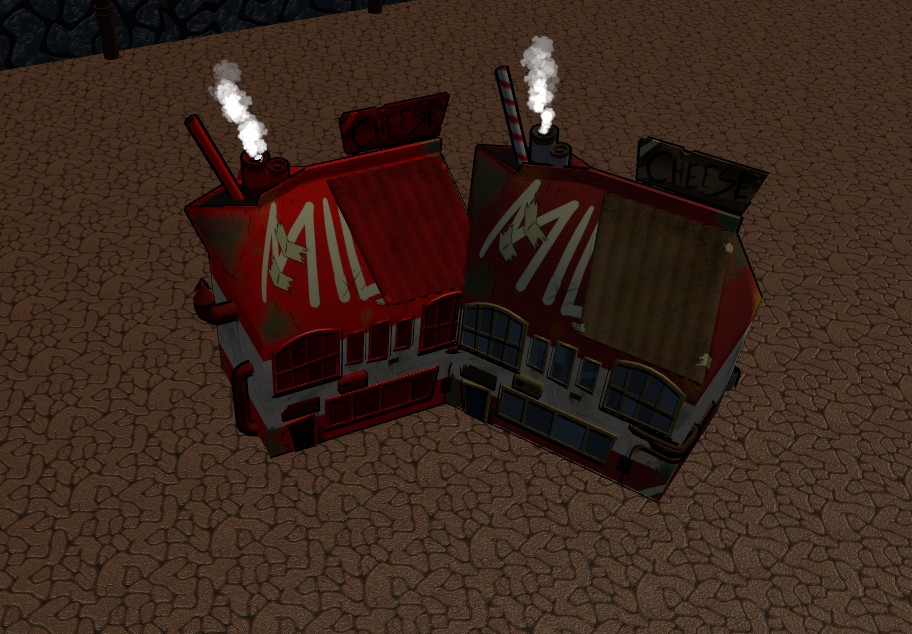
I worked on the main grid-based building flow: entering build mode, spawning a ghost preview, snapping it to the grid, rotating it, checking occupied cells, validating the placement area, and registering the object once placed. The build logic also connects with the path system so buildings cannot be placed over path cells.
- Created the build-mode flow for selecting prefabs, previewing placement, confirming placement, and cancelling safely.
- Used footprint cells to track occupied areas rather than relying only on object transforms.
- Added validation hooks for object footprints, wall-adjacent placement, bridge-style surface rules, and water/land surface checks.
- Connected placement to shared metadata so placed objects can later be moved, destroyed, and saved.
Path Tool
I built the path placement tool around the same grid logic as buildings, but tuned it for fast repeated placement. Paths keep the tool active after placement, can be rotated in 90-degree steps, and store speed modifiers so the grid can be used by movement/pathfinding systems.
- Built path previews that follow the mouse and snap to the grid.
- Added occupied-path checks so buildings and paths do not trample each other like tiny civic gremlins.
- Stored placed path data by unique ID for save/load and clean removal.
- Updated grid cell speed modifiers when paths are placed, removed, moved, or loaded.
Destroy Tool
I created a destroy tool for removing placed buildings and paths through a simple hover-and-click interaction. It highlights the current target, checks whether the target is a building or path, then calls the correct removal path so cells and path data are cleared cleanly.
- Added hover highlighting for placed objects.
- Supported both legacy material tinting and shader-based highlight feedback.
- Freed occupied cells when objects are removed.
- Routed path removal through the path tool so path dictionaries and grid speed modifiers stay in sync.
Move Tool
I worked on the move tool so players can select an existing object, drag it to a new valid position, rotate it, then either confirm the move or cancel back to the original state. While an object is being moved, its old cells are temporarily freed so the validation logic does not collide with itself.
- Cached original position, rotation, and occupied cells so cancelled moves can restore correctly.
- Temporarily cleared building or path occupancy while dragging.
- Reused build-placement validation so moved objects follow the same rules as newly placed ones.
- Added last-valid-state restoration to stop invalid preview positions from leaving objects stranded.
Morale System
I built a city-wide morale system that collects contributor scores, blends them into a baseline morale value, smooths global morale over time, and converts morale into gameplay modifiers. This made morale usable by other systems without hard-coding every factor directly into one giant cheese-wheel script.
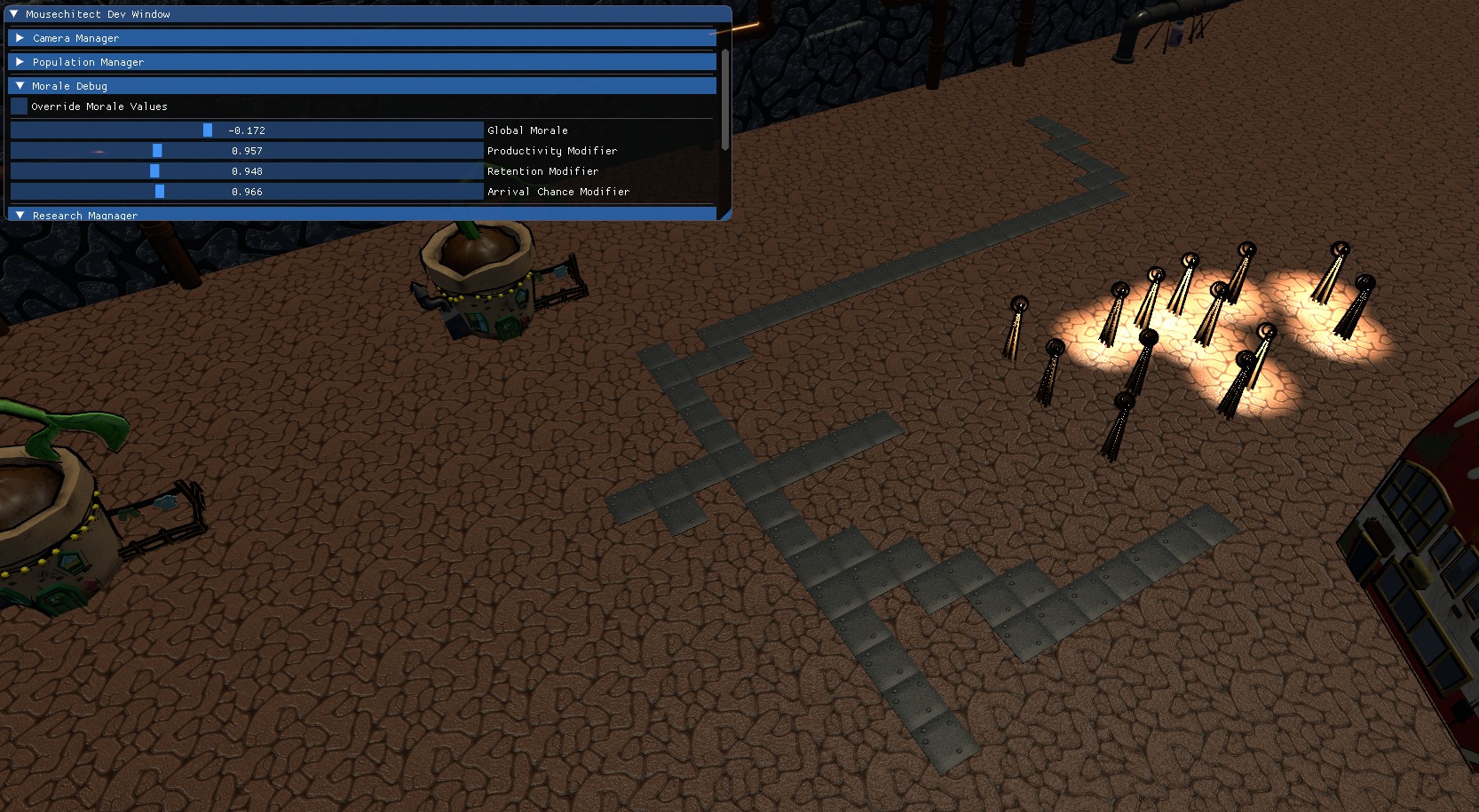
- Calculated global morale from weighted contributor categories including housing, food, recreation, and aesthetics.
- Smoothed morale changes over time to avoid sudden jumps.
- Updated per-mouse morale from the current baseline, then used the average mouse morale as the global value.
- Converted morale into productivity, retention, and arrival-chance modifiers.
- Added food-variety and decoration/aesthetics contributors, including tag-based decoration synergy checks.
Visual Mouse Population Sync
I updated the visual population sync so the number of visible mouse GameObjects follows the current population while respecting the visual capacity cap. This keeps the settlement readable without needing to spawn one visible mouse for every official population unit.
- Calculated the target visible mouse count from current population and visual capacity.
- Spawned mice until the visible count reached the target.
- Initialised mouse preferences and randomised appearance when new visual mice are spawned.
- Kept the visual layer separate from the official population number so the city can scale without becoming a furry particle storm.
Technical Challenges
Keeping tools consistent
Build, move, destroy, and path tools all needed to agree about grid cells, object metadata, and validity rules. I solved this by using shared placed-object data and routing changes through the correct manager instead of letting each tool secretly rewrite the city in its own little cupboard.
Making invalid actions readable
The tools needed to show when an action was safe before the player clicked. Preview opacity, hover highlights, shader preview colours, last-valid-state restores, and cancel behaviour helped make the editor feel more understandable.
Connecting simulation values to visible feedback
Morale and population are abstract systems, so I worked on ways to make them affect gameplay-facing values and visible mouse counts. The result gives the city a clearer sense of life without forcing every system to depend directly on every other system.
What I Learned
- How to structure city-building tools around shared grid data and object metadata.
- How to keep placement, movement, destruction, and path editing consistent across separate tools.
- How to turn abstract simulation values like morale into modifiers other systems can use.
- How important clear preview feedback is when players are editing a world directly.
- How to be careful with team-project portfolio wording so the page only claims the systems I worked on.
Current Status
Mousechitect includes a working grid-based city editing workflow with build, path, move, and destroy tools, plus morale and visible population feedback systems. This page focuses only on the systems I worked on and avoids claiming ownership of unrelated team features.